


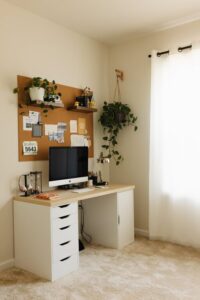
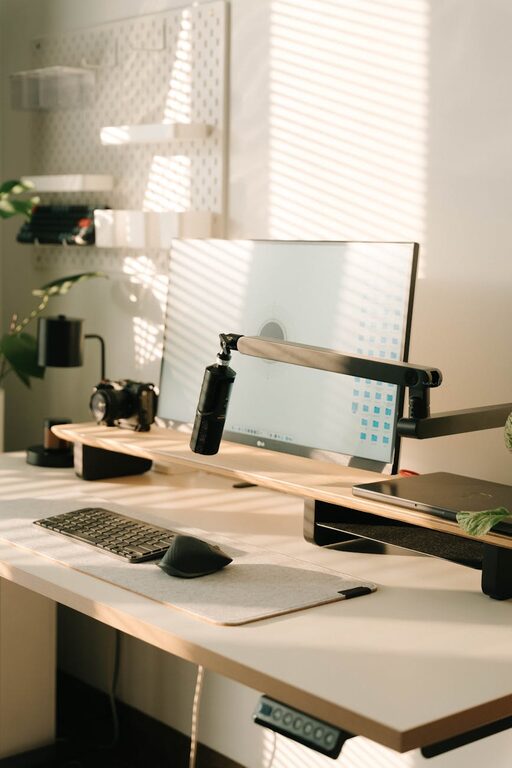
Creating a home office that is both cozy and productive can significantly improve your work-from-home experience. A well-designed space encourages focus, reduces stress, and helps maintain a healthy work-life balance. Whether you are setting up a new workspace or refreshing an existing one, these tips will guide you in crafting an environment that supports your best work.
1. Choose the Ideal Location
Consider Natural Light
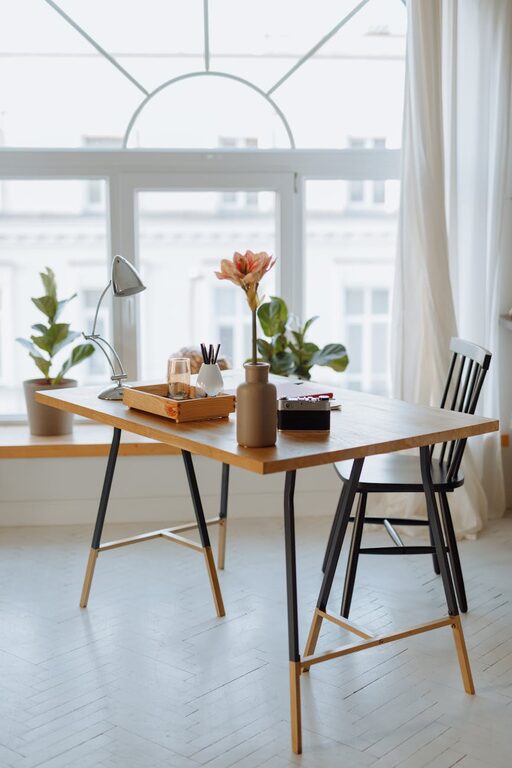
Select a spot with access to natural light if possible. Sunlight not only brightens the room but also boosts mood and energy levels. Position your desk near a window to take advantage of daylight, but be mindful of screen glare.
Minimize Distractions
Look for a quiet area away from high-traffic zones in your home. If space is limited, consider using room dividers or noise-cancelling headphones to create a personal zone that fosters concentration.
2. Invest in Ergonomic Furniture
The Right Desk and Chair
An adjustable chair with good lumbar support is essential to prevent discomfort during long hours of sitting. Pair it with a desk at the proper height to maintain good posture, reducing strain on your back and wrists.
Consider a Standing Desk
If possible, choose a desk that can be adjusted for sitting and standing. Alternating positions throughout the day can improve circulation and reduce fatigue.
3. Optimize Lighting
Layered Lighting
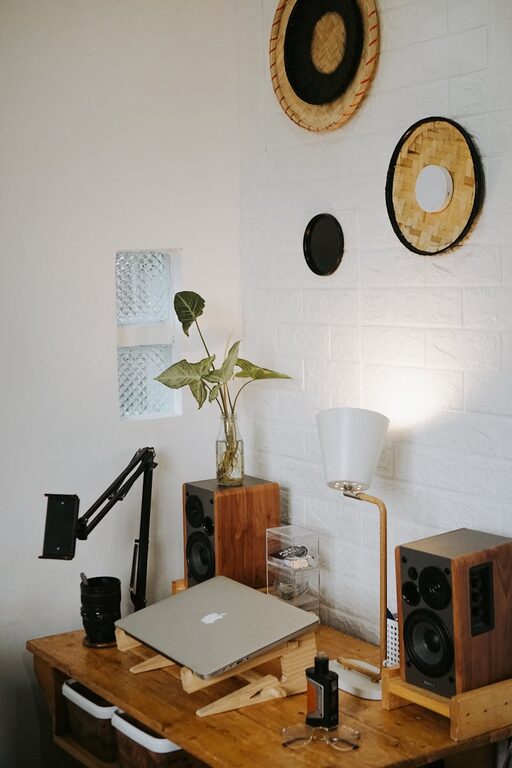
Use a combination of ambient, task, and accent lighting. A desk lamp with adjustable brightness helps focus light on your work area without causing eye strain.
Warm Light for Comfort
Choose bulbs that emit a warm, soft light rather than harsh fluorescent lighting. This creates a welcoming atmosphere that promotes relaxation and productivity.
4. Prioritize Organization
Declutter Regularly
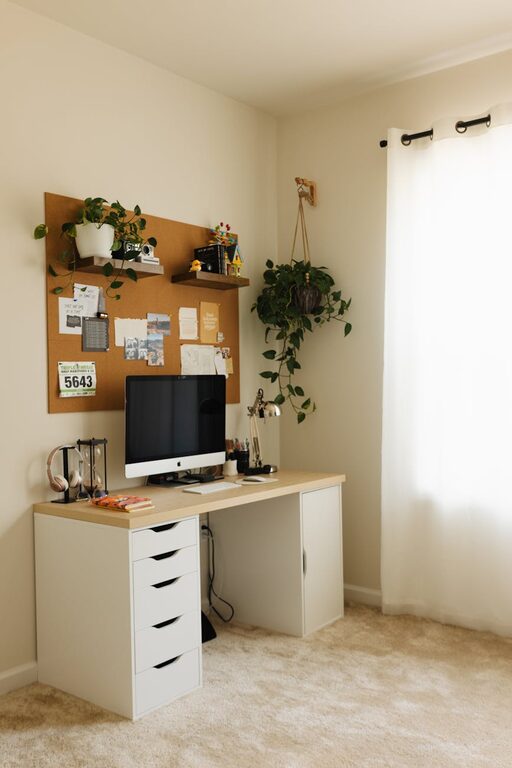
A tidy workspace reduces distractions and mental clutter. Keep only essential items on your desk and use organizers or drawers to store supplies neatly.
Use Storage Solutions
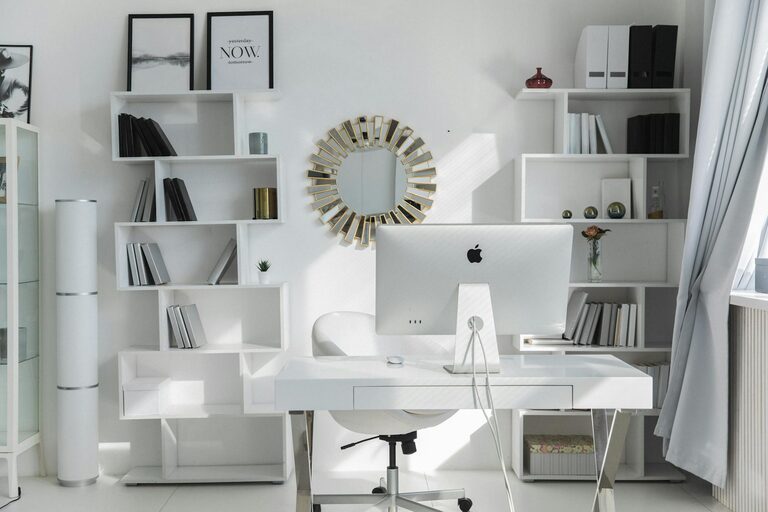
Shelves, filing cabinets, and desk organizers help keep documents and tools within reach but out of sight, maintaining a clean look.
5. Add Personal Touches
Incorporate Plants
Houseplants not only improve air quality but also add a touch of nature and color. Choose low-maintenance options like succulents or snake plants for ease.
Display Inspiring Items
Include photos, art, or motivational quotes that make you feel comfortable and inspired. However, avoid overcrowding to maintain a clean environment.
6. Manage Technology Efficiently
Cable Management
Tidy cables with clips, sleeves, or under-desk trays to prevent tangles and maintain a safe workspace.
Reliable Equipment
Invest in quality hardware such as a keyboard, mouse, and monitor to enhance comfort and productivity. Keep your software updated for smooth performance.
7. Control Temperature and Air Quality
Maintain Comfort
Use fans, heaters, or air purifiers to keep your workspace comfortable throughout the year. Proper ventilation is important to stay alert and focused.
Fresh Air
If possible, open windows periodically to refresh the air and reduce stuffiness.
8. Schedule Breaks and Define Boundaries
Set Work Hours
Having clear start and end times helps separate work from personal life, even within the same space.
Take Regular Breaks
Short breaks to stretch or walk can significantly boost productivity and reduce physical tension.
Conclusion
Designing a cozy and productive home office requires balancing comfort with functionality. By thoughtfully considering location, furniture, lighting, organization, and personal elements, you can create a space that supports both your wellbeing and work performance. Remember, small changes add up, so start with one or two tips and gradually enhance your workspace for the best results.